
System Requirements & Learning Environment
Our budget risk management programs are built to work on standard business computers. Most students find their current setup already meets our needs – and for those who need upgrades, we provide clear guidance on cost-effective solutions.

Core System Specifications
Operating System
- Windows 10 or 11 (64-bit recommended)
- macOS 10.15 Catalina or later
- Linux Ubuntu 20.04 LTS or equivalent
Hardware Minimums
- 8GB RAM (16GB recommended for advanced modules)
- Intel i5 or AMD Ryzen 5 processor (or equivalent)
- 250GB available storage space
- Reliable internet connection (minimum 10 Mbps)
- Webcam and microphone for interactive sessions
Software Requirements
- Microsoft Excel 2019 or Office 365 subscription
- Web browser: Chrome 90+, Firefox 88+, or Safari 14+
- PDF reader (Adobe Acrobat or equivalent)
- Zoom client for live sessions
Learning Platform Access
Our custom learning management system works seamlessly across devices. You can switch between desktop study sessions and mobile review without losing progress.
Spreadsheet Tools
Advanced budget modeling requires Excel's full feature set. Google Sheets works for basic exercises, but professional-grade risk analysis needs Excel's capabilities.

Real Talk About Tech Requirements
"Most students worry about having the 'right' computer, but honestly, if your machine can run modern spreadsheets smoothly, you're set. The bigger challenge is usually internet reliability during our interactive budget workshops – that's where a stable connection really matters."

Setup Support & Resources
We know technical setup can be frustrating. That's why every student gets access to our technical support team, plus detailed setup guides that actually make sense. No jargon, no assumptions – just clear instructions.
Pre-Enrollment Tech Check
Free 15-minute session to test your setup before you start
Software Installation Guide
Step-by-step videos for all required programs and tools
Troubleshooting Database
Common issues and solutions, updated by our support team
Hardware Upgrade Advice
Budget-friendly recommendations if you need better equipment

Beyond the Minimum Requirements
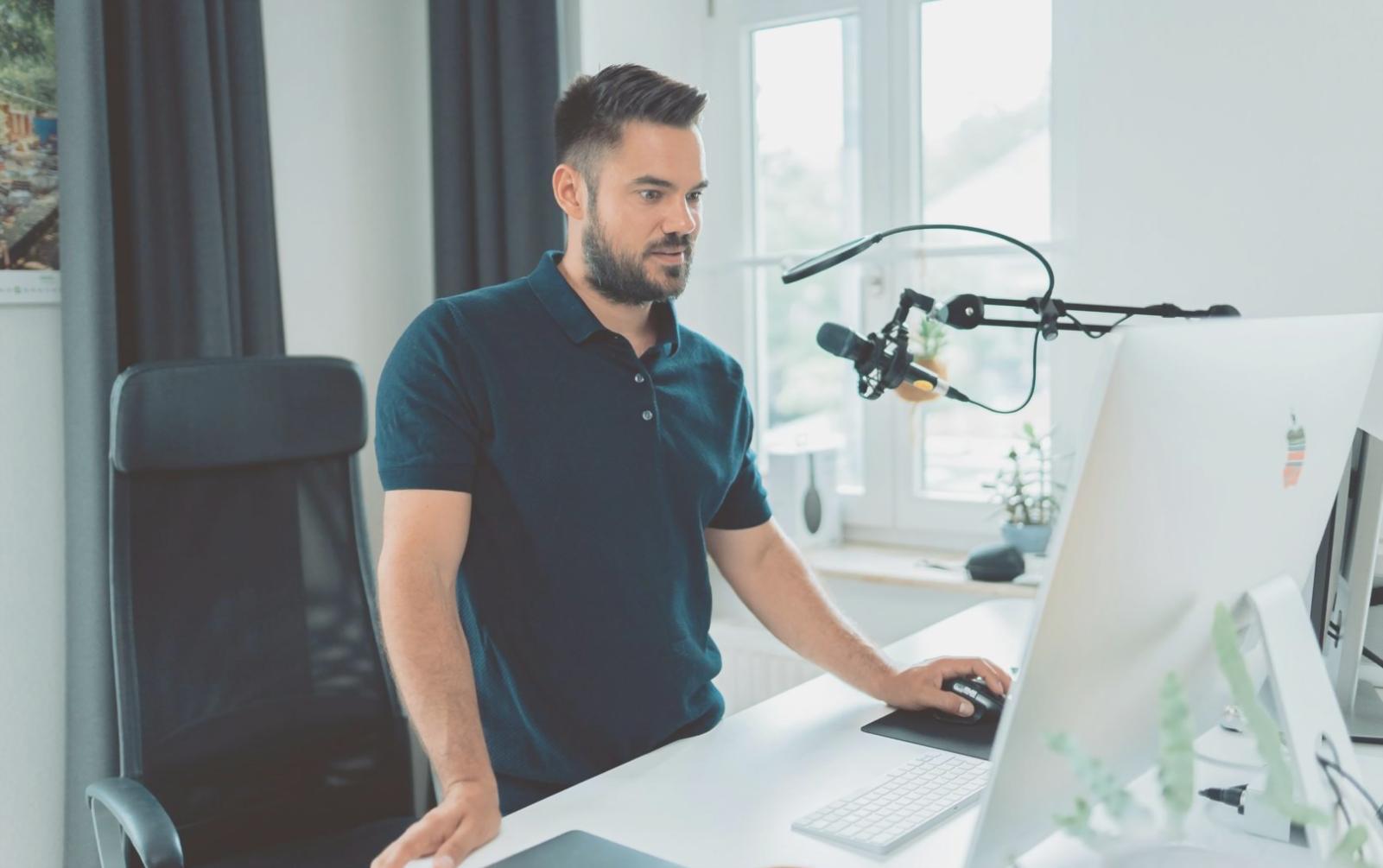
"Here's what the spec sheets don't tell you: having two monitors makes budget analysis work so much easier. And that 16GB RAM recommendation? It's not just for show – when you're running multiple financial models simultaneously, you'll appreciate every bit of that extra memory."

Ready to Check Your Setup?
Our technical team is standing by to help ensure your computer is ready for our September 2025 program intake. Get personalized advice about your specific system.
Schedule Tech Check